rezeki44 App for Android: the APK, the setup, and what you get
The rezeki44 app puts the whole lobby on your phone: slots, live dealer tables and football markets in one 32 MB file. Download the APK here, install it in a few taps, then sign in with the same account you already use on the site.
- Android 10.0 and up
- Cashier built in
- 24/7 live chat
Free to download. Members must be 18+. Play Responsibly.
Scan the code to open this page on your phone, then tap Download APK.
Five steps from unknown sources to your first spin
Android blocks files that arrive outside the Play Store by default, so the first step is a setting, not a download. Do this once and every future update takes two taps.
-
Allow installs from your browser
Open Settings, go to Apps, then Special app access and Install unknown apps. Pick the browser you will download with and switch the toggle on. You can switch it back off once rezeki44.apk is installed.
-
Download the APK file
Tap Download APK on this page and wait for the 32 MB file to finish. Stay on Wi-Fi if your data plan is tight, and check that the file name ends in .apk before you open it from your notifications.
-
Install and confirm
Open the finished download from the notification shade or the Files app. Android will warn you about unknown apps; tap Install and let the package unpack. On a recent phone this usually finishes in under a minute.
-
Sign in or create an account
Launch the rezeki44 app and log in with your usual username and password. New here? Register on the website first, then come back. The app reads the same credentials as the desktop site, so nothing needs setting up twice.
-
Top up and open the lobby
Open the cashier inside the app and choose Touch ’n Go eWallet, DuitNow, FPX Online Banking or bank transfer. Deposits start at RM5 and most land in about 2 minutes, after which the full game lobby unlocks.
On iPhone? Add the site to your home screen instead
There is no iOS build of the rezeki44 app. rezeki44.apk is an Android package, and iOS will refuse to open it. The home-screen shortcut is the closest thing, and it keeps you signed in.
- Open rezeki44.im in Safari, not inside another app’s browser.
- Tap the Share button in the toolbar, then scroll to Add to Home Screen.
- Name the shortcut rezeki44 and tap Add. It now opens full screen from your home screen.
App or browser: pick the one that fits how you play
Both versions run on the same account and the same wallet, so you lose nothing by switching. The real differences are setup effort, data use and how well each handles a weak signal on the move.
| What changes | rezeki44 app | Browser on your phone |
|---|---|---|
| Getting started | Install the APK once, then tap the icon | Open the site and log in, no install at all |
| Data and storage | 32 MB install, artwork cached on the phone | No install, but images reload on most visits |
| Speed on 4G | Lobby opens from cache, steadier on weak signal | Depends on the browser and how many tabs are open |
| Live dealer tables | Full-screen video that holds landscape better | Works fine, though tabs use more memory |
| Cashier | Touch ’n Go eWallet, DuitNow, FPX, bank transfer | The same four methods, same limits |
| Notifications | Withdrawal and bonus updates in the tray | None unless you leave a tab open |
| Updates | You download each newer APK yourself | Always current after a refresh |
| Best for | Regular players who want one tap to the lobby | Occasional play and shared family phones |
If you play a few times a week on the same handset, the app saves taps and copes better with patchy coverage. If you log in once a month, or the phone is shared with family, the browser version leaves nothing behind on the device.
Slots, live tables and football, all inside the rezeki44 app
The app is not a cut-down version of the site. The same lobby, the same wallet and the same 1,600 titles load on the phone, with the layout rebuilt around a thumb rather than a mouse.
 Slots
Fruit Shop
Habanero · RTP 95.2%
 Slots
Wheel
Red Tiger · RTP 96.6%
Slots
Nine
PG Soft · RTP 97.5%
Table
Dragon Tiger
PG Soft · RTP 95.5%
-
Slots from seven studios
Around 1,600 titles from Evolution, Ezugi, CQ9, Habanero, Spribe, Red Tiger and PG Soft sit in one lobby. Filters sort by provider, and each tile shows the RTP before you open it, so you are not guessing between 95.2% and 97.5%.
-
Live dealer tables
Baccarat, roulette, blackjack and the game-show style tables run on Evolution and Ezugi streams. The app holds the video in landscape and keeps the bet buttons within thumb reach, which matters more than it sounds on a six-inch screen.
-
Crash and instant rounds
Spribe titles sit beside the reels, including quick rounds that settle in seconds. Set a stake, watch the multiplier climb and cash out before it stalls. Good for short sessions on a phone, bad for chasing losses, so set your limits first.
-
Football and sports markets
Pre-match and in-play markets on the Malaysian league, European competitions and the big regional cups. The bet slip stays anchored at the bottom of the screen and prices refresh as the match moves. Market explanations live in our football betting guide.
-
The cashier, without a redirect
Deposits from RM5 through Touch ’n Go eWallet, DuitNow, FPX Online Banking or bank transfer, with most top-ups credited in about 2 minutes. Withdrawals start at RM90 and usually arrive within 36 minutes once the checks clear.
-
Bonus progress you can see
The 180% first deposit bonus up to RM100, the 30% reload and the 0.5% daily cashback all show in the app with their wagering progress, so you can check how much of the 18x turnover is outstanding instead of asking live chat.
Safety checks worth doing before you allow the install
Sideloading is normal on Android, but it moves the final check to you. Four things to confirm before you tap through the warning screen.
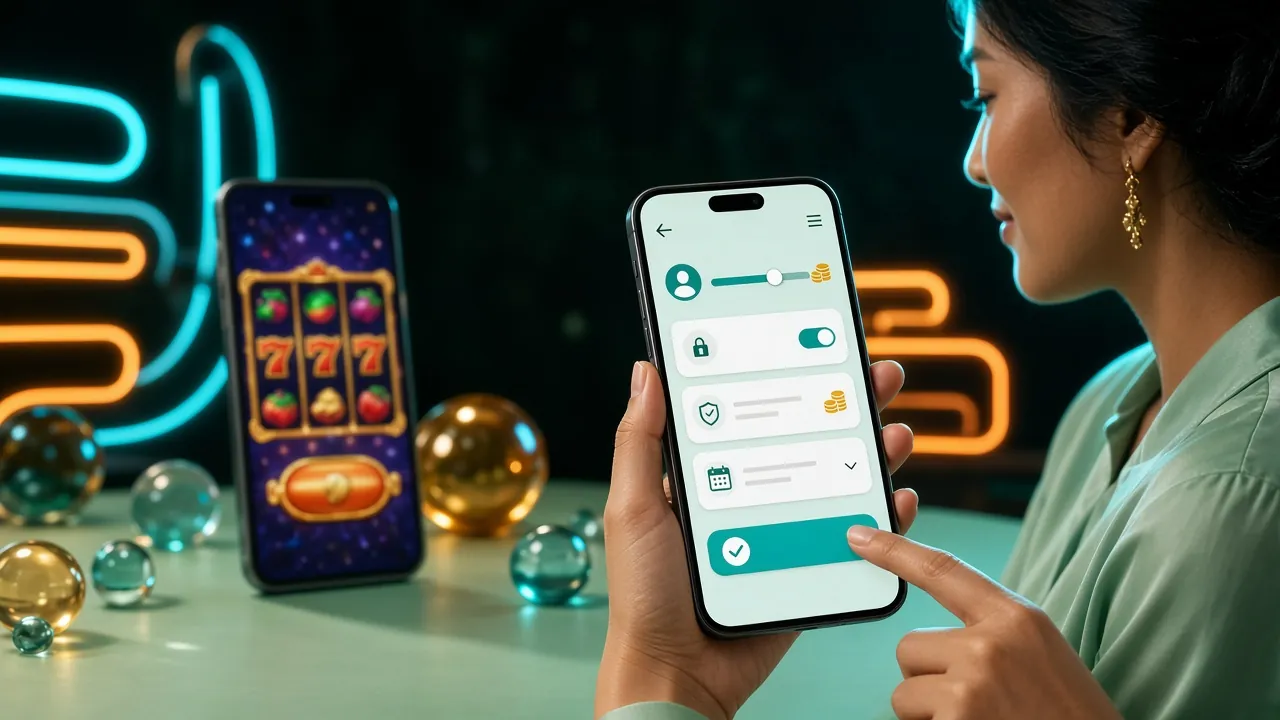
-
Take the file from this page only
rezeki44.apk should arrive from rezeki44.im with a 32 MB size. A copy sent through a Telegram group or an unfamiliar file host is not our build, however convincing the icon looks. Bookmark this page rather than relying on forwarded files.
-
What the app actually asks for
Storage, so the installer can write the package and its artwork cache; notifications, for withdrawal and bonus updates; and network access, obviously. It does not need your contacts, call log, SMS or location to run the lobby or the cashier.
-
Your password stays yours
Support will never ask for your password or a one-time code. The 24/7 live chat can trace a stalled deposit; it cannot and should not log in as you. Use a password you do not reuse on email or social accounts.
-
Think before you tap Install anyway
Android’s warning is routine for sideloaded packages, but it is still your last checkpoint. Match the file name, size and version against the table further down. If anything differs, delete the file and download it again instead of pushing through.
File details: version 3.2.2, 32 MB, free
Everything below is what the installer will show you, so you can match it before tapping Continue. Nothing is charged for the download or the install, and no card details are needed to get the file.
| Version | 3.2.2 |
|---|---|
| File name | rezeki44.apk |
| File size | 32 MB |
| Minimum Android version | 10.0 |
| Last updated | 11 November 2026 |
| Price | Free |
| Language | English / Bahasa Melayu |
If your screen shows a different version or size, stop and download again from this page before installing. Once it is running, log in through the rezeki44 login screen, and top up from RM5 whenever you are ready.
- 18+
- SSL Encryption
- 24/7 Live Chat
- Android 10.0+
When the install stalls, these five fixes usually clear it
Most failed installs come down to a half-finished download or a setting left switched off. Work down the list before you contact live chat.
| What you see | Why it happens | What to do |
|---|---|---|
| App not installed | An older build of rezeki44 is still on the phone, so Android refuses to overwrite it. | Uninstall the old app, restart the phone, then install the file you just downloaded. |
| Parse error | The download stopped halfway on a weak signal, so the package is incomplete. | Delete rezeki44.apk, clear the browser cache, download again on Wi-Fi and check the size reads 32 MB. |
| Install button greyed out | Unknown sources are still switched off for the browser or file manager you opened the APK from. | Settings, Apps, Special app access, Install unknown apps, pick that app and allow it, then retry. |
| Play Protect warning | Android flags any sideloaded package it has not scanned before, including clean ones. | Tap More details and then Install anyway, but only after confirming the file came from this page. |
| App closes at launch | The installed build is older than 3.2.2, or the phone runs an Android version below 10.0. | Check your Android version, install the current APK from here, clear app storage and sign in again. |
Answers to what players ask about the rezeki44 app
Short, practical answers to the questions that come up most before a first install.